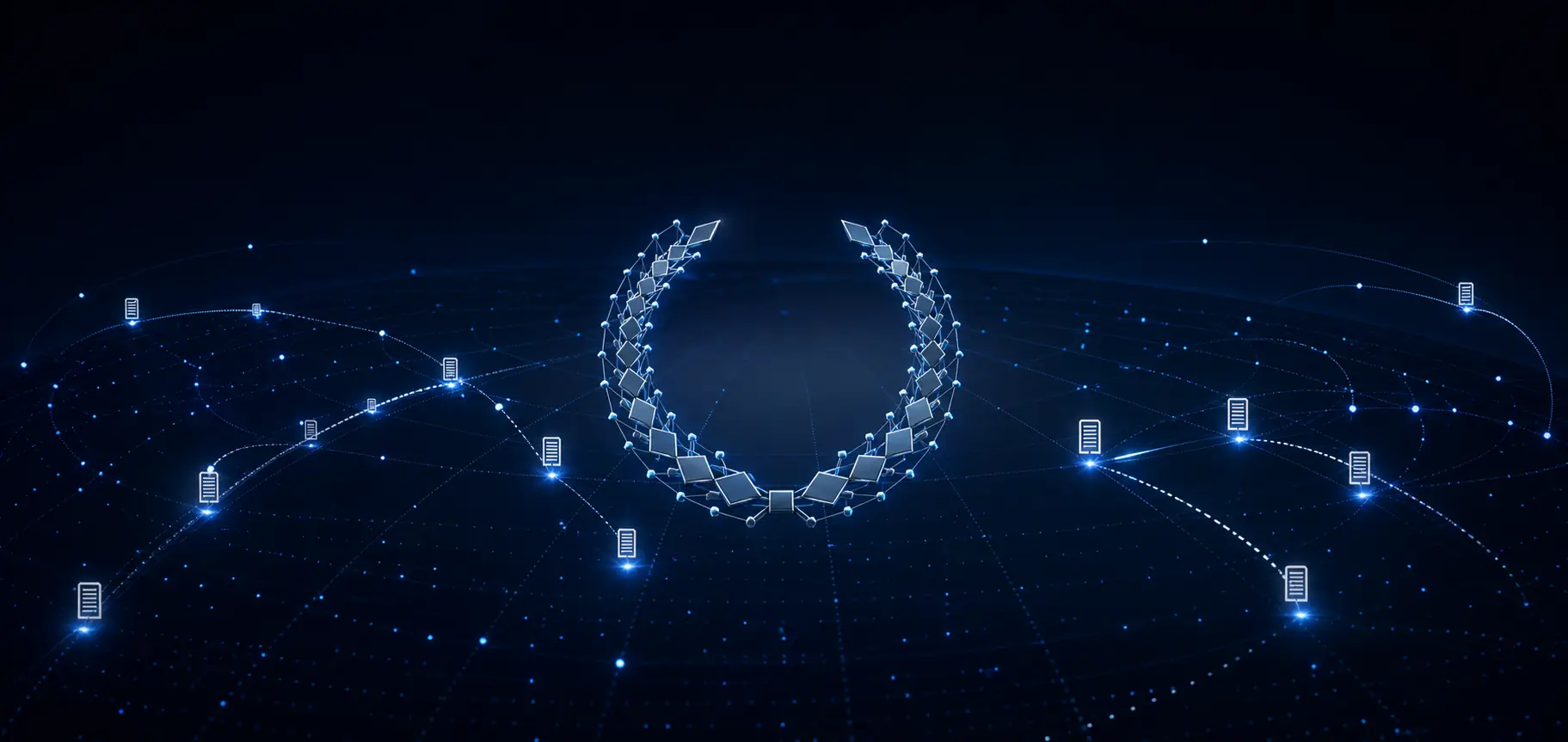
Issuer
Was the credential issued by an authorized institution?

VERIFY / JAPAN
Verify adds trustworthy document verification without forcing institutions to replace their current credentials or issuing workflow.
UNITED NATIONS
PUBLIC SERVICE AWARDS
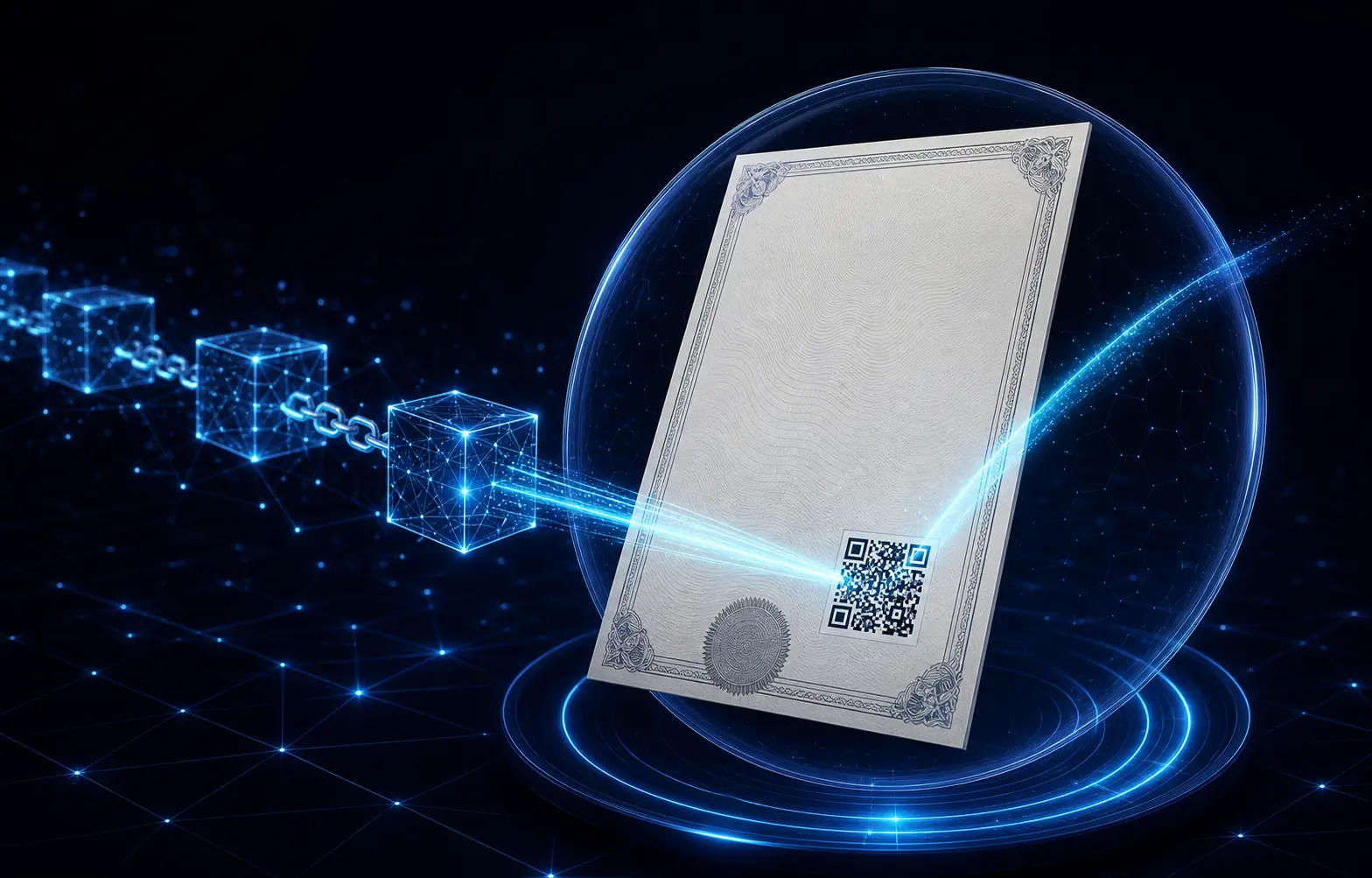
KEEP YOUR WORKFLOW
Creation, approval and issuance stay familiar. Integration with Verify adds a unique verification QR to each credential.
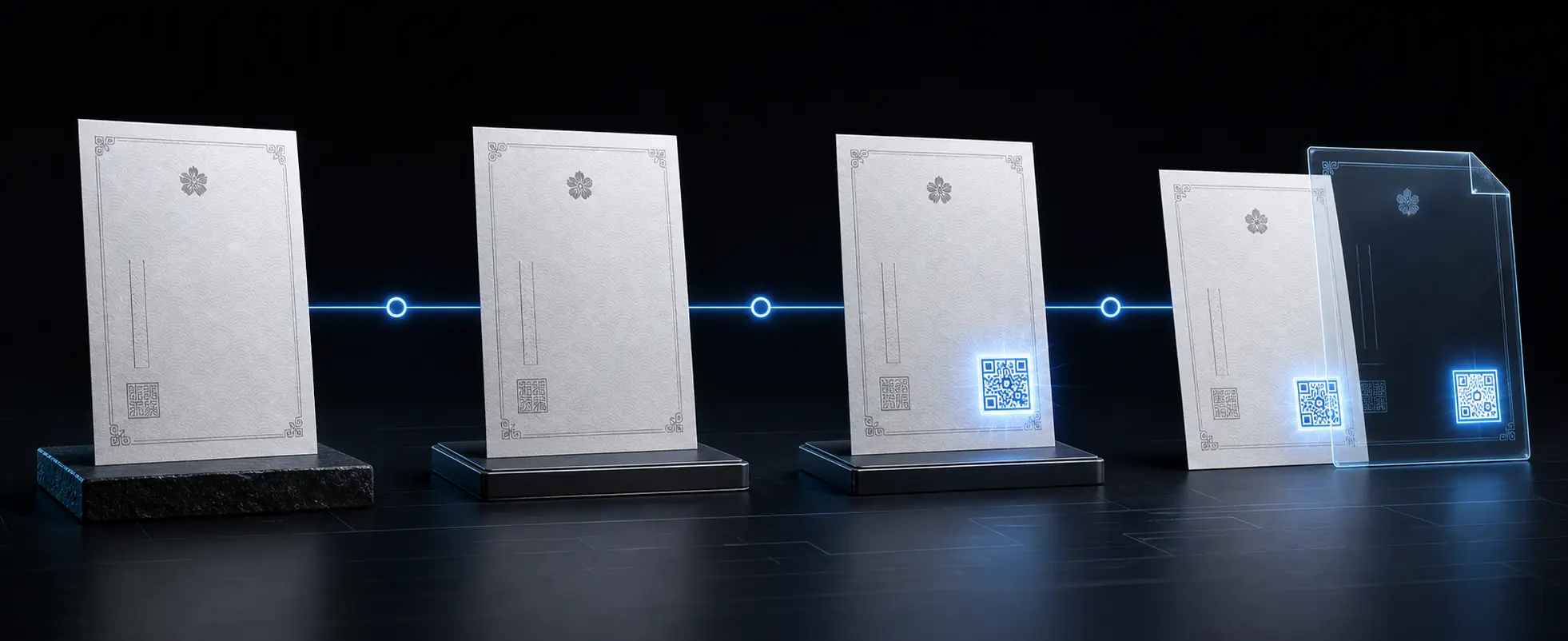
Use your current system and certificate format as usual.
Keep the review and approval procedures already in place.
Connect Verify and generate a unique QR for each credential.
Deliver the familiar format with the added ability to verify it.
WHAT VERIFY CHECKS
The QR opens a process that compares the issuer and registered credential information, showing whether the document remains valid and unchanged.
Was the credential issued by an authorized institution?
Do the presented details match the original record?
Has any information been changed since issuance?
Is the credential currently valid, expired or revoked?
THREE-LAYER VERIFICATION
Public, protected and immutable information are separated, then compared as one verification process.
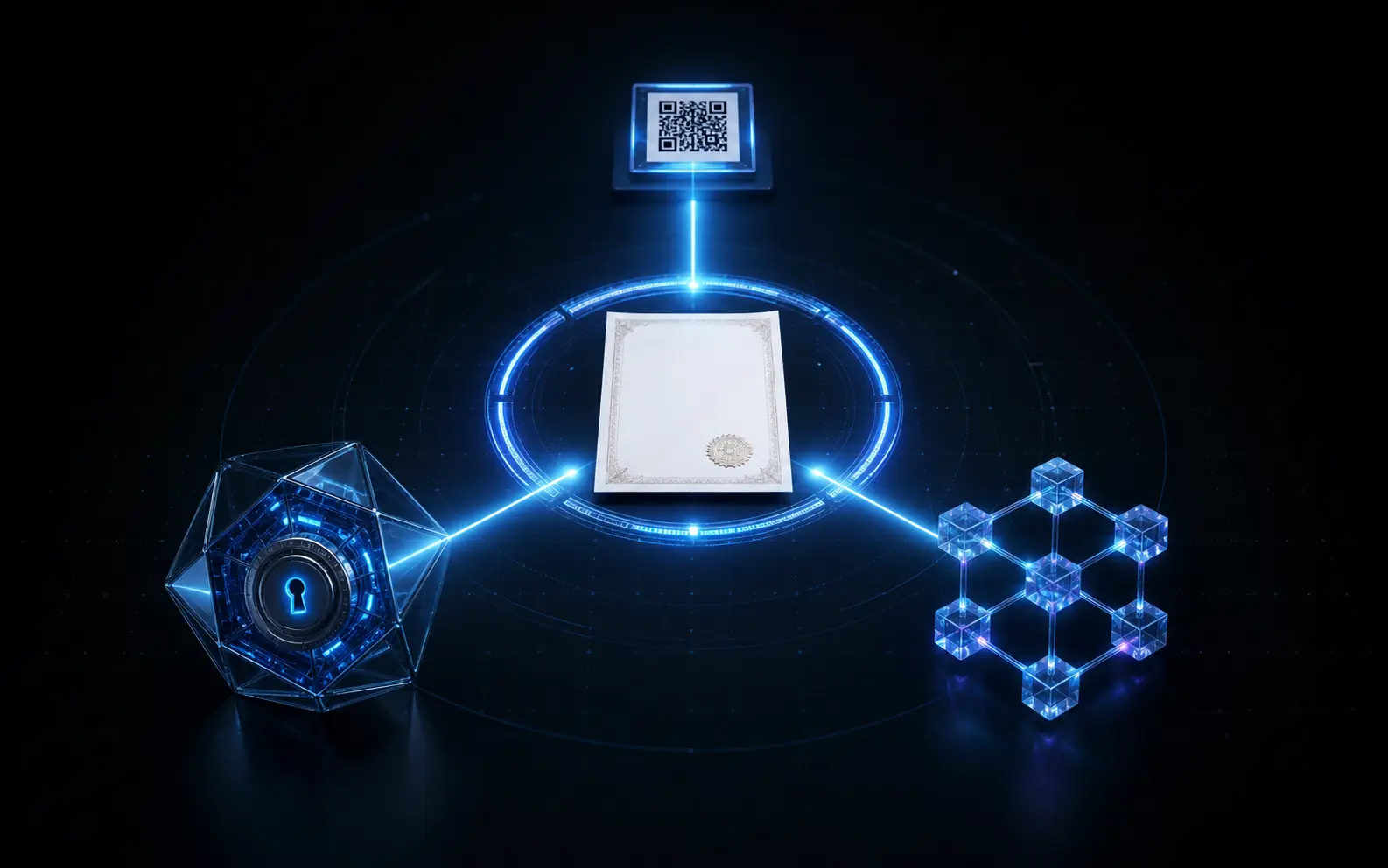
Contains no personal data, only limited verification information and a secure entry point.
Protected information is encrypted and stored separately from the QR.
A record of the issued credential makes tampering or mismatches detectable.
Only when the QR, encrypted data and blockchain record agree is the credential confirmed as authentic.
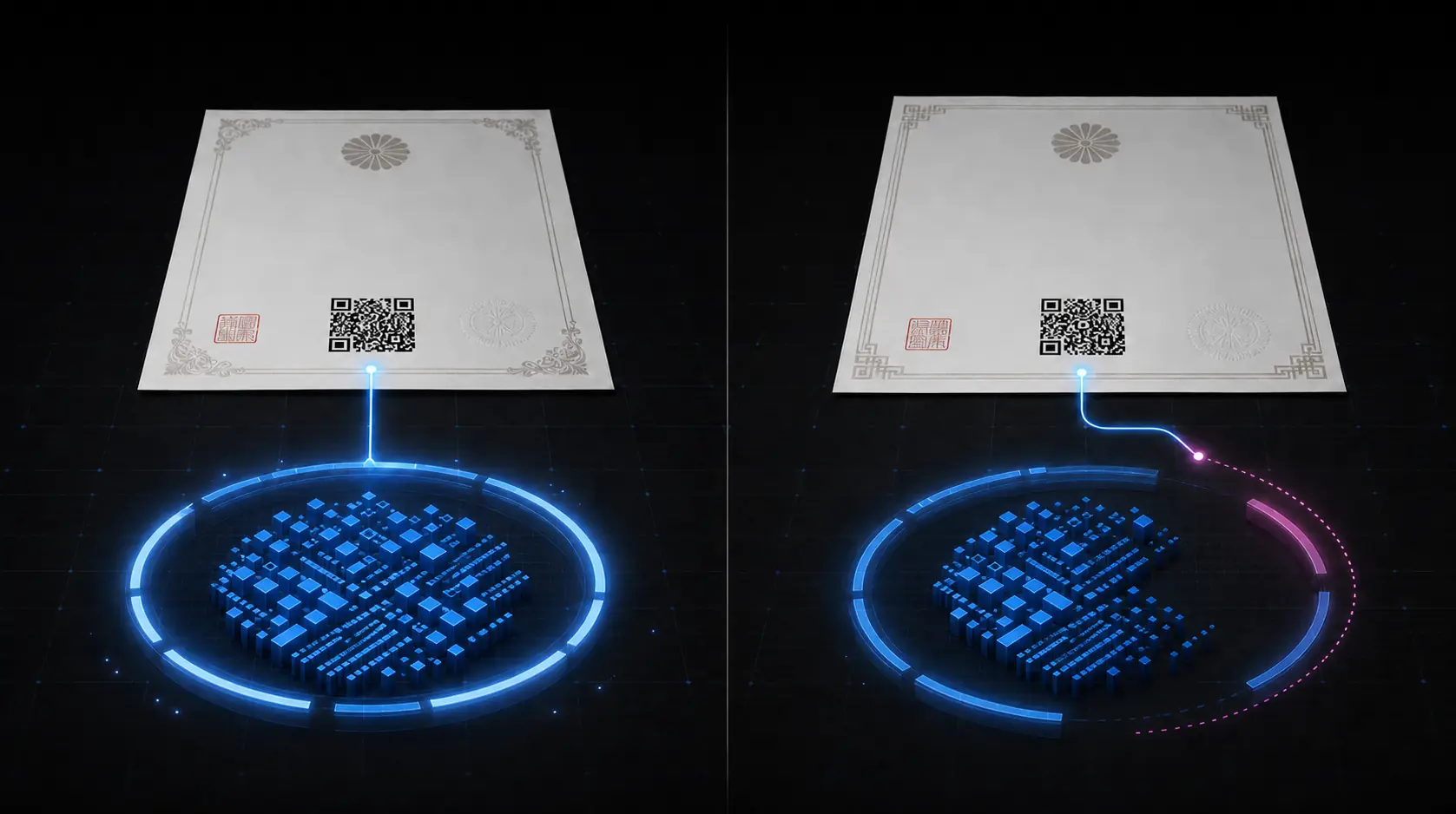
COPY ≠ AUTHENTIC
Placing a copied QR on a different document does not produce a valid credential. The destination reveals that the document and registered data do not match.
The document, registered information and record agree.
A mismatch exposes reuse or alteration.
PRIVACY BY SEPARATION
Personal information is never stored directly in the QR. Protected data is separated, encrypted and compared only as required.
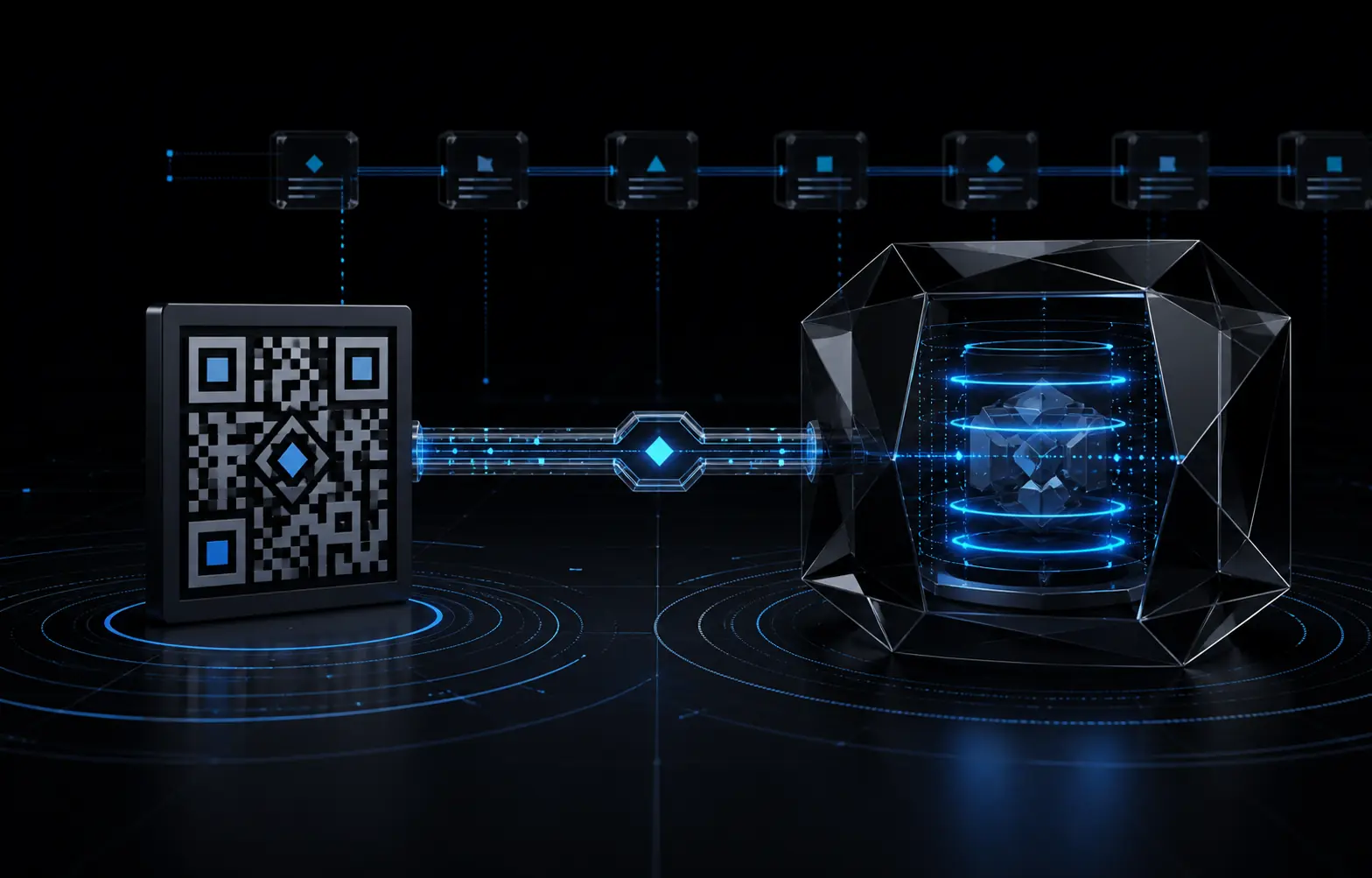
Carries only limited information required to begin verification.
Names and other protected information are encrypted and managed separately.
Integrity records make unauthorized changes detectable.
If a server is accessed without authorization, stored information is encrypted and is not readily readable as personal data. This design reduces risk but cannot eliminate every information-security risk.
FOR EDUCATION
The initial rollout in Japan focuses on educational institutions and credential issuers, reducing effort across issuance, ownership and review while improving trust.
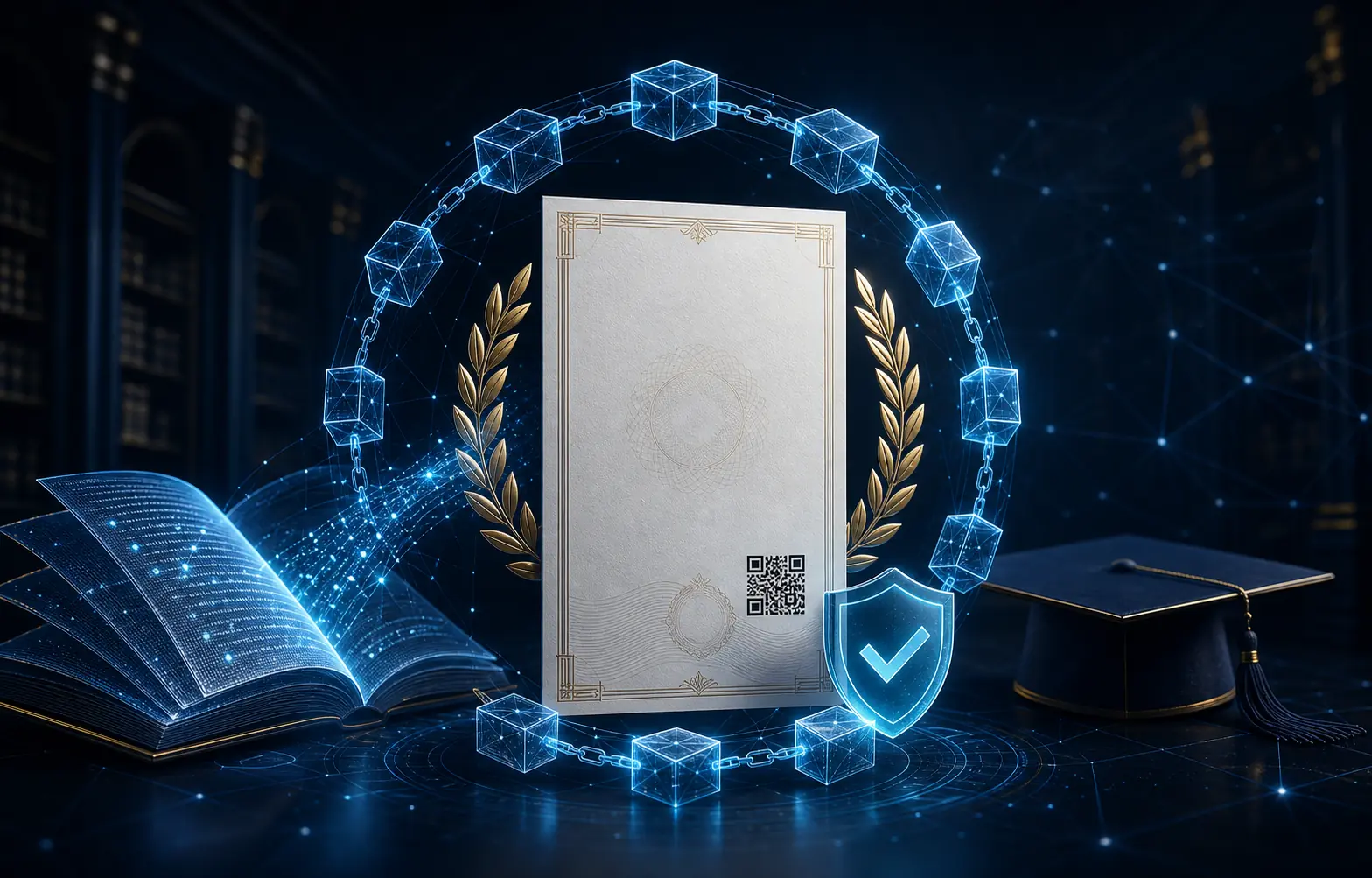
Add verification to existing credentials while reducing manual inquiries and misuse.
Continue presenting paper or PDF while allowing recipients to confirm authenticity.
Check a credential without relying only on a direct inquiry to its issuer.
SYSTEM INTEGRATION
Verify can connect with existing issuance systems and operational workflows through APIs and other suitable methods. Integration is designed around your current environment.
Discuss system integration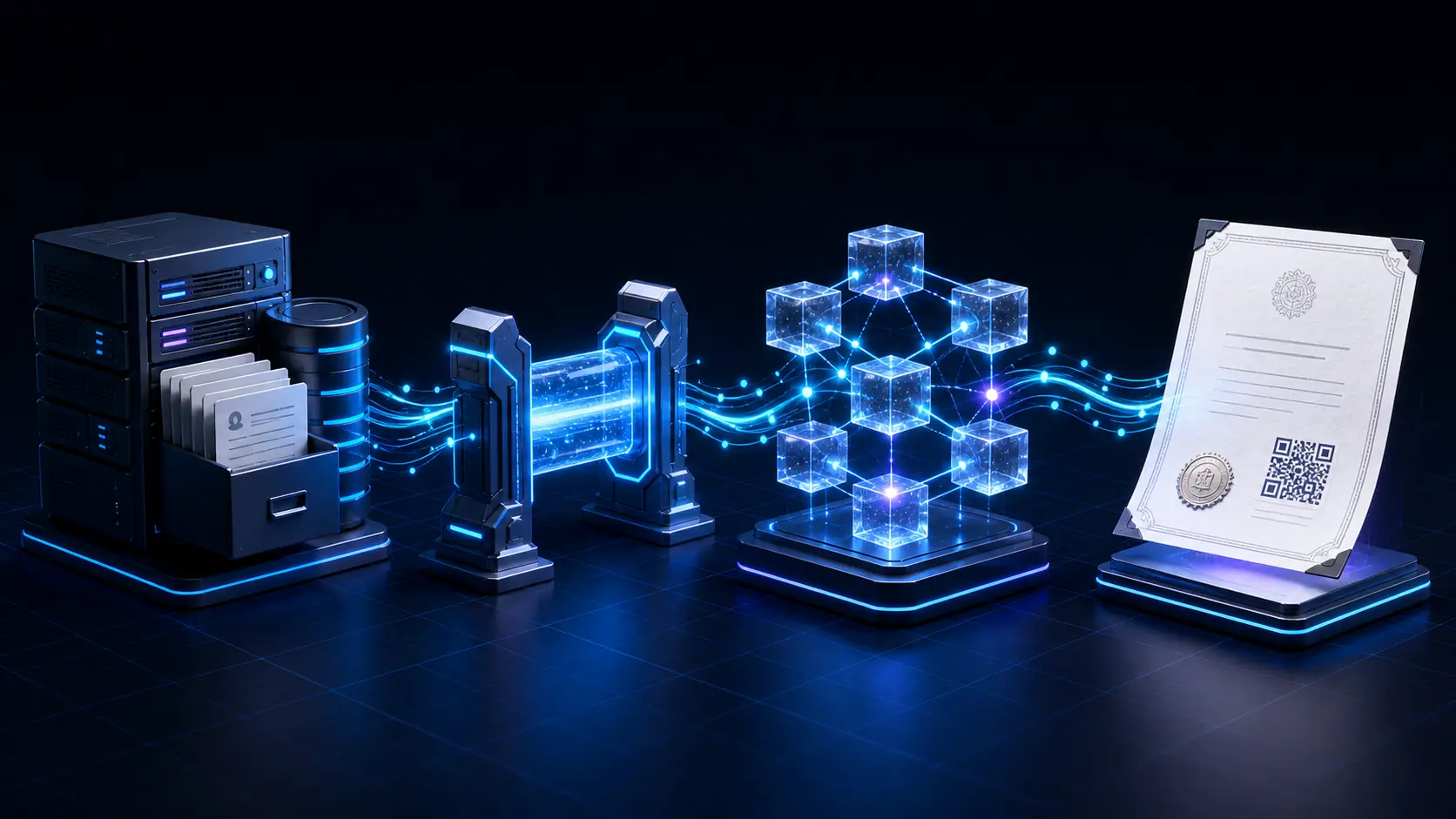
BENEFITS
Continue current formats without forcing a full digital replacement.
Creation, review, approval and issuance remain familiar.
Reviewers can verify credentials without contacting each issuer.
Comparison reveals reused QRs and altered credential information.
Employers can spend less time confirming qualifications and education.
Choose an integration method suited to the current issuing platform.
DEPLOYMENTS
See how educational institutions and credential issuers apply Verify, including credential types and integration scope.
We will publish eligible projects with their credential types, integration scope and operational approach.
Discuss implementationPROVEN AT NATIONAL SCALE
The award recognizes the original Verify platform. Public figures are based on official information available in July 2026.
SALES / DEVELOPMENT / OPERATIONS IN JAPAN
NEXTMAKE sells Verify in Japan and provides the complete delivery lifecycle—from implementation design and integration development to operation and maintenance—for educational institutions and credential issuers.
IMPLEMENTATION
Map credential types and the creation, approval and issuance process.
Prioritize certificates or completion documents for the first rollout.
Separate public and protected data and define the comparison process.
Connect registration and QR issuance using a method suited to your environment.
Confirm document design, QR reading, comparison and operational steps.
Support production use, additional document types, improvements and maintenance.
FAQ
No. Verify can preserve paper and PDF formats and add a verification QR.
No personal information is stored directly in the QR. Limited data and a verification ID are compared with encrypted information stored separately.
The copied document will not match the registered information and will not be confirmed as authentic. Copying the QR alone does not reproduce the proof.
Yes. API and other integration approaches are available. We review the current system and recommend a suitable method.
Professional certificates, course completion documents, graduation certificates and transcripts are all suitable. Institutions may begin with one type and expand later.
ADD VERIFIABLE TRUST
We review your current paper and PDF documents, workflow and systems, then recommend an implementation with minimal operational burden.